
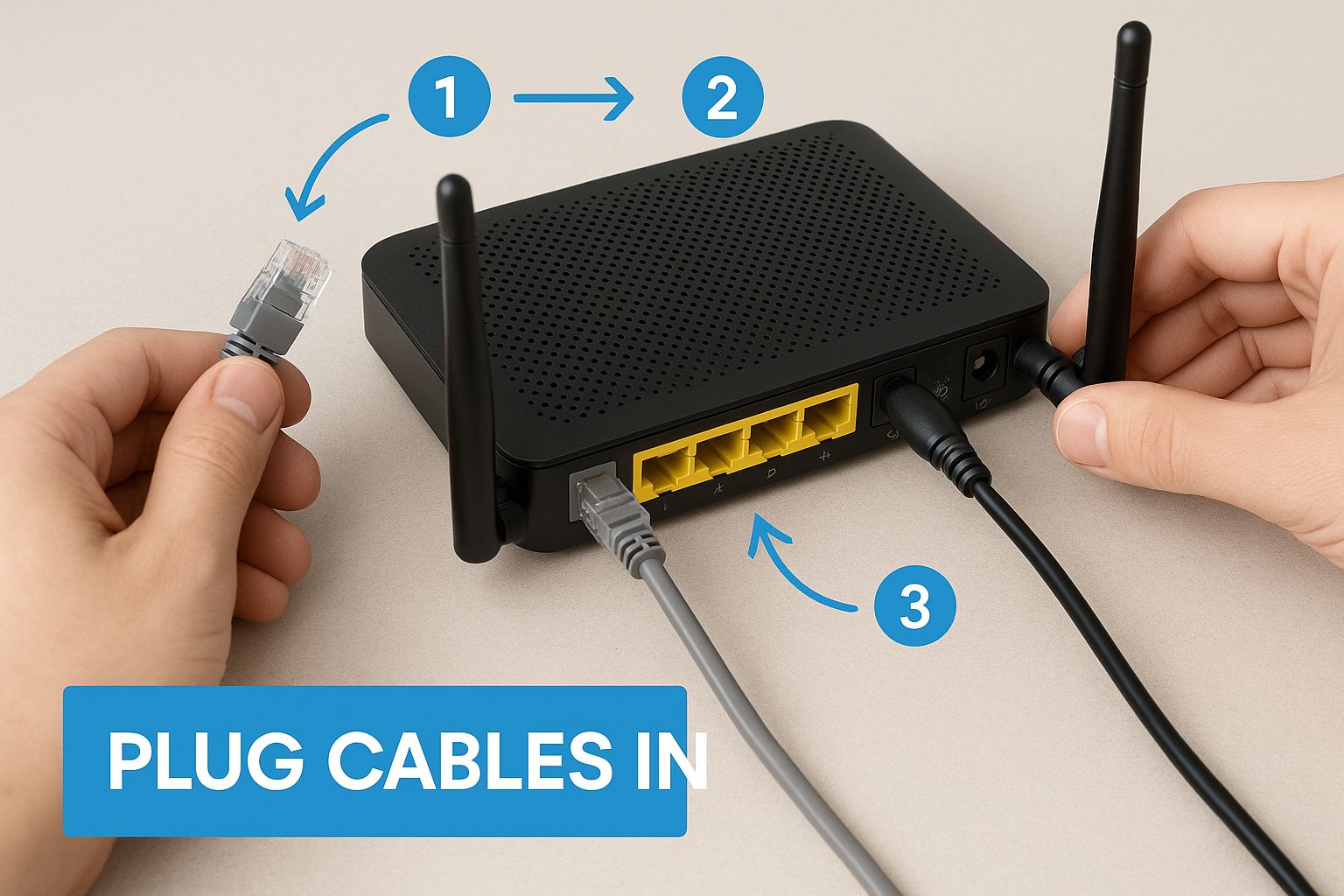
At some point, every explanation of the internet jumps straight to IP addresses and skips over something more fundamental: before any of that can work, your machine needs a way to talk to the devices physically near it.
Two computers in the same room, plugged into the same box. how does one find the other? How does data get from port 3 to port 7 without going everywhere at once? These aren’t glamorous questions, but the answers are what make local networks actually function.
The First Problem: How Do You Tell Machines Apart?
Imagine you’ve got several computers in the same house, all connected to the same network. If one machine wants to send data to another, it needs a way to address it some kind of identifier that says “this message is for that machine, not the others.”
IP addresses will handle this at a larger scale, but at the local level, there’s a more fundamental identifier: the MAC address.
Every network card the physical hardware inside your computer that handles network connections has a MAC address burned into it at the factory. It’s a number made up of 6 bytes written in hexadecimal, usually displayed in groups separated by colons or dashes. Something like A4:C3:F0:85:7D:12.
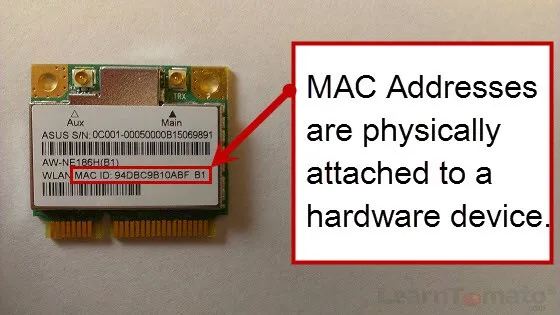
The math on uniqueness: 6 bytes means 48 bits, which gives you 2⁴⁸ possible combinations. That’s around 281 trillion different addresses. Running out isn’t a near-term concern.
The uniqueness is managed by the IEEE the same body that standardizes a lot of networking protocols. Any company that wants to manufacture network cards has to request a range of MAC addresses they’re allowed to use. That’s how two network cards from different manufacturers, bought years apart, still end up with different addresses.
MAC addresses are fixed to the hardware. They don’t change when you move to a different network, unlike IP addresses. This makes them useful for identifying a specific physical device, which is exactly what local networks need
The Second Problem: You Can’t Run a Cable to Everyone
One cable between two computers is fine. But what about a whole house, an office floor, a university building? You can’t run a direct cable from every machine to every other machine that becomes physically unmanageable fast.
The solution that became standard in the early 2000s is the switch.
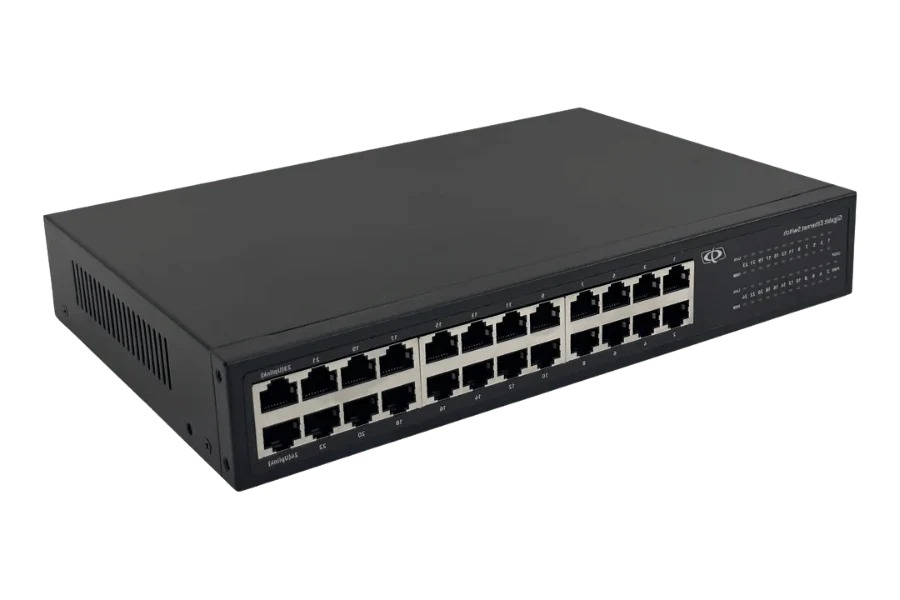
A switch is a box usually mounted in a rack or tucked behind a desk with a bunch of ports on it. Every machine in a local network plugs into the switch, and the switch handles routing traffic between them. No direct connections required between individual machines.
How a Switch Figures Out Where Everything Is.
Here’s what makes the switch interesting: when you first plug everything in, the switch has no idea what’s connected to it. It knows cables are attached, but it doesn’t know which MAC address lives on which port. Nobody told it. There’s no configuration file you have to fill in.
It figures this out on its own, automatically, every time.
The mechanism is simple. Every time a machine sends a frame through the switch, the frame includes the MAC address of the sender. The switch reads that, and notes it down: “MAC address X is connected to port 4.” It stores this in what’s called a switching table or Mac address table a running list of MAC addresses and the ports they’re associated with. Each entry also has an expiration timer, so if a device disconnects and something else takes its place later, stale records don’t hang around forever.
Now, what happens when a frame arrives and the destination MAC address isn’t in the table yet?
The switch doesn’t drop it. It doesn’t guess. It broadcasts: it sends the frame out through every port except the one it came in on. Every machine on the network receives the frame and checks whether it’s addressed to them. The right machine reads it; everyone else ignores it.
This sounds wasteful, but it barely matters in practice. Switching tables fill up fast. After a few minutes of normal activity, the switch has seen traffic from every machine on the network, built a complete table, and now knows exactly where to send everything. From that point on, when a frame arrives, the switch looks up the destination MAC address, finds the right port, and sends it there and only there. This is called forwarding, and it’s what makes switches efficient compared to the older “hub” devices that always broadcasted everything to everyone.
Ethernet: The Language That Makes It Work
For any of this to happen, the machines and the switch need to speak the same language. That language is Ethernet and it’s been the foundation of local networking since the 1980s.
Before a machine sends data, its network card wraps that data in a structure called an Ethernet frame. The frame contains:
A preamble. A specific, predefined sequence of bits right at the front. Its job is to wake up the receiving device and signal exactly where the frame starts. Without this, the receiving card doesn’t know when to start paying attention.
The destination MAC address. Who this frame is for. The switch reads this. The receiving machine reads this. Everyone in between uses it to decide whether to care about the contents.
The source MAC address. Who sent it. This is what the switch uses to build and update its switching table.
The data payload. The actual content hatever is being transmitted.
That’s the core of it. Everything the switch needs to do its job is right there in the header.
One constraint worth knowing: an Ethernet frame has a maximum size. The data payload is limited to 1,500 bytes. If you need to send more and you almost always do the data gets split into multiple frames and sent one by one. This isn’t a bug. It’s deliberate. If you tried to send a large file as one enormous frame and something went wrong partway through, you’d have to resend the whole thing. With smaller frames, only the failed frame needs to be retransmitted. It also prevents any single transmission from monopolizing the network for too long.
What You’ve Just Built: A LAN
Put all of this together MAC addresses, a switch, Ethernet frames and what you have is a LAN: a Local Area Network.
Every machine in the network has a unique identity. The switch learns the layout automatically. Frames find their destination without broadcasting to everyone every time. Data moves efficiently within the network.
This is your home network. Your office network. The network in a school, a hotel, a hospital. The details vary but the fundamentals are always the same: MAC addresses, a switch, and Ethernet doing the quiet work of getting frames from one port to the right one.
The Limit of a LAN
A LAN solves the local problem. Your machines can talk to each other. But they’re still isolated your network doesn’t connect to anyone else’s.
The machine in your living room can reach the printer down the hall. It can’t reach a server in another country. For that, you need a system that can route data across many separate networks, each with its own structure, none of them knowing the internal layout of the others.
That’s what IP addresses and routers are for and that’s where the next article picks up.
One thought on “What Actually Happens When You Plug a Cable Into Your Router”